SVG editor for Mac
Works on Apple Silicon and Intel Macs in Safari, Chrome, Firefox, or any modern browser.
Edit SVG on MacFREE SVG EDITOR SOFTWARE · WINDOWS · MAC · LINUX
Use the same SVG editor on Windows, macOS, and Linux. Open, edit, preview, and export SVG files directly in a modern browser with no operating-system-specific installer.
No account · No installation · Your SVG stays in your browser
ONE EDITOR, EVERYWHERE
Whether you searched for SVG editor software, an app, or a download, you can start using the browser version right away.
Works on Apple Silicon and Intel Macs in Safari, Chrome, Firefox, or any modern browser.
Edit SVG on MacOpen and modify SVG files on Windows 10 and Windows 11 in Chrome, Edge, Firefox, or another modern browser.
Edit SVG on WindowsUse SVGEditor on Ubuntu, Fedora, and other Linux distributions in a current desktop browser.
Edit SVG on LinuxHOW THE EDITOR WORKS
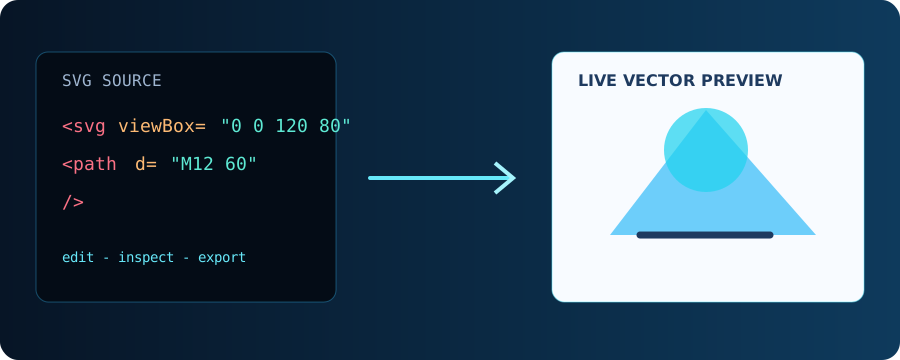
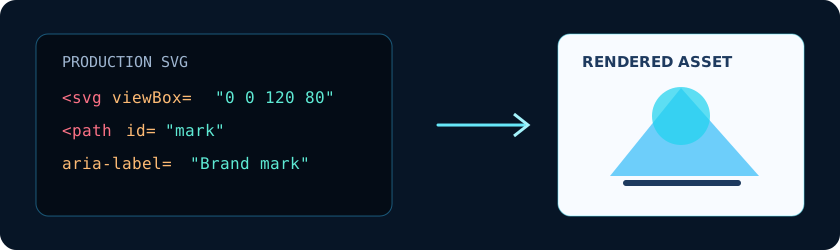
SVGEditor is designed for source-first editing: inspect the SVG markup, see the rendered result immediately, then export the same asset for the web, design handoff, or application code.
COMPATIBILITY & PRIVACY
The editor is a browser application rather than a separate Windows, Mac, or Linux installer. That means the interface stays consistent while the browser handles local file access and downloads.
Use a current version of Chrome, Edge, Firefox, or Safari with JavaScript enabled.
Paste SVG markup or select a local file. Preview, sanitize, edit, and save the result in your browser.
Your SVG stays in the browser during normal editing; there is no account or backend workspace.
WHY USE BROWSER-BASED SOFTWARE
START IN SECONDS
Launch the editor in Chrome, Edge, Firefox, Safari, or another modern browser.
Preview the image instantly and inspect the source markup.
Save the SVG or convert it to PNG, React, React Native, or another supported format.
FAQ
Yes. SVGEditor runs in a modern browser on Windows, macOS, and Linux, so you can use the same editor on each operating system.
No. Open the online app and start editing immediately. This avoids installers, administrator permissions, and manual updates.
Yes. After editing, use the editor's Download button to save a sanitized SVG file locally. You can also export PNG, React, and React Native output.